Applications are now open for the Academic Session 2026-27.
Open
Applications are now open for the Academic Session 2026-27.
Applications are now open for the Academic Session 2026-27.
Applications are now open for the Academic Session 2026-27.

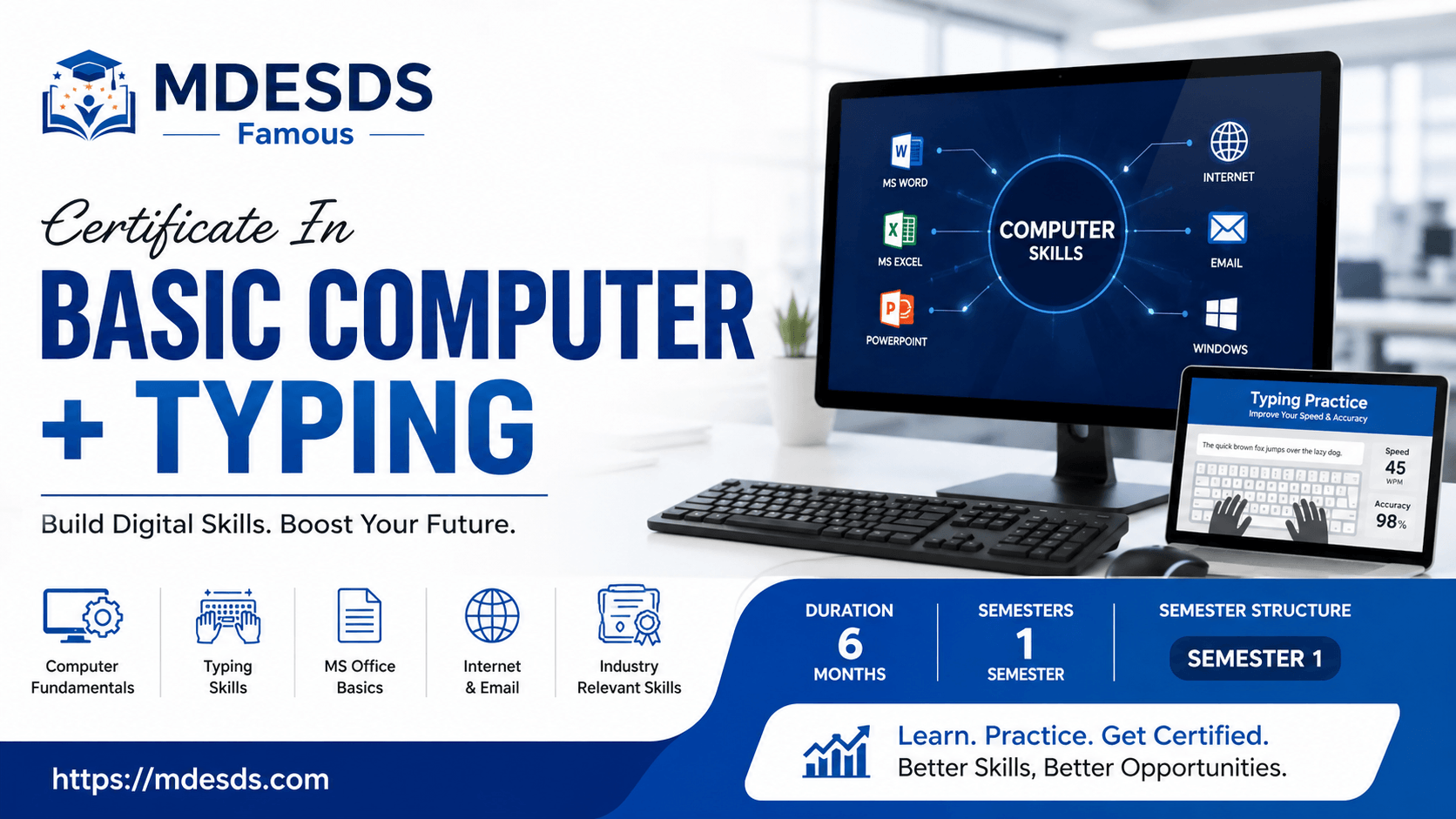
Master essential digital skills with our Certificate In Basic Computer + Typing at MDESDS. Gain expertise in MS Office & professional typing. Join today!
In today’s rapidly evolving professional landscape, digital literacy is no longer just an advantage—it is a fundamental requirement. Whether you are a student preparing for higher education, a job seeker aiming to stand out in a competitive market, or a professional looking to sharpen your administrative capabilities, a strong foundation in computer operation and accurate typing is the key to unlocking new doors.
At MDESDS, we are committed to empowering individuals with the practical, hands-on skills necessary to thrive in an office environment. Our Certificate In Basic Computer + Typing is a meticulously designed program that bridges the gap between basic awareness and professional proficiency. With a balanced approach to theory and extensive practical application, this course ensures that you don't just learn about software—you learn how to use it to solve real-world challenges.
The Certificate In Basic Computer + Typing is a specialized, industry-aligned program tailored to meet the needs of the modern workforce. Spanning a comprehensive duration of 6 months, this course is designed to take students from foundational concepts to advanced office automation skills.
By adopting a hybrid learning mode, MDESDS provides students with the flexibility of digital resources combined with the invaluable benefit of in-person mentorship. This blended approach allows you to learn at your own pace while ensuring that you receive the direct feedback and guidance required to master complex software applications and achieve high typing speeds.
Our curriculum is structured to provide a logical progression of skills. The program is organized into one intensive semester that covers the critical pillars of computer proficiency.
The first semester focuses on building a rock-solid foundation. You will move through various modules designed to familiarize you with the digital environment and provide the specialized tools necessary for administrative excellence.
1. Hindi & English Typing Typing speed and accuracy remain the most requested skills in administrative and data entry roles. In this module, you will undergo rigorous training in both Hindi and English typing. You will learn proper finger placement, ergonomic posture, and rhythmic typing techniques to significantly improve your words-per-minute (WPM) count. Mastery of this module ensures you can handle documentation, data entry, and communication tasks with ease.
2. Microsoft Word + Keyboarding Beyond simple typing, professional document creation is an art. You will learn to use Microsoft Word for drafting letters, creating professional reports, and formatting long-form documents. From mail merges to complex table creation, this subject covers the essential tools used daily in every corporate and government office.
3. Microsoft Excel Spreadsheets Excel is the backbone of data management. In this subject, you will learn to navigate the grid, perform complex calculations using formulas, manage large datasets, and represent information visually using charts and graphs. This training is essential for anyone interested in finance, inventory management, or general administrative data analysis.
4. Powerpoint Presentations In the modern workplace, the ability to present ideas visually is crucial. You will learn to design professional slide decks that are not only aesthetically pleasing but also effective in conveying information. You will master animation, transitions, and multimedia integration to create presentations that leave a lasting impact.
5. Microsoft Access Database Applications To round out your technical education, this module introduces you to database management. Understanding how to store, query, and retrieve information through Microsoft Access provides a significant edge over candidates who only possess basic word-processing skills. You will learn how databases function as the "brain" of an organization’s digital operations.
Taking the Certificate In Basic Computer + Typing at MDESDS offers more than just a credential; it offers a competitive advantage.
Industry-Relevant Skills: We focus on the exact tools—Microsoft Office Suite—that companies use every single day.
Skill-Based Certification: Our certificate serves as a testament to your hands-on proficiency in typing and data management, which is highly valued by employers across all sectors.
Flexible Hybrid Learning: We recognize that your time is valuable. Our hybrid model ensures you have access to the materials you need, supported by expert instructors who are dedicated to your growth.
Personalized Mentorship: Unlike online-only courses, MDESDS provides an environment where you can ask questions, troubleshoot issues, and receive constructive criticism on your work.
Completing this course opens up a vast array of career possibilities. The skills you acquire are universal, meaning they are applicable in sectors ranging from retail and education to corporate offices and government institutions.
Potential career paths include:
Data Entry Operator
Office Administrator
Executive Assistant
Computer Lab Assistant
Typist/Transcriptionist
Front-desk Coordinator
As digitization continues to penetrate every corner of the economy, the demand for professionals who can effectively manage information systems and communicate through digital channels will only grow. This course serves as the perfect entry point for those looking to start a career or for those looking to formalize their informal computer skills into a recognized certification.
Choosing the right institute is just as important as choosing the right course. At MDESDS, we pride ourselves on a student-centric philosophy. We don't just teach software; we teach the confidence to navigate the digital world. Our facilities, faculty, and commitment to student success create a community where learning is engaging, practical, and highly rewarding. We ensure that every student who enrolls in our Certificate In Basic Computer + Typing course leaves with a portfolio of skills that they can apply immediately upon graduation.
Your journey toward becoming a digitally proficient professional starts here. Whether you are looking to master Excel, perfect your typing speed, or understand database management, the Certificate In Basic Computer + Typing provides the structured environment you need to succeed.
Don’t let a lack of formal computer skills hold you back. Join the community at MDESDS and gain the confidence to lead in the digital era.
The Certificate In Basic Computer + Typing course is designed to provide practical knowledge, professional skills, and industry-relevant training. With a duration of 6, this program helps students develop the expertise required for academic and professional success.
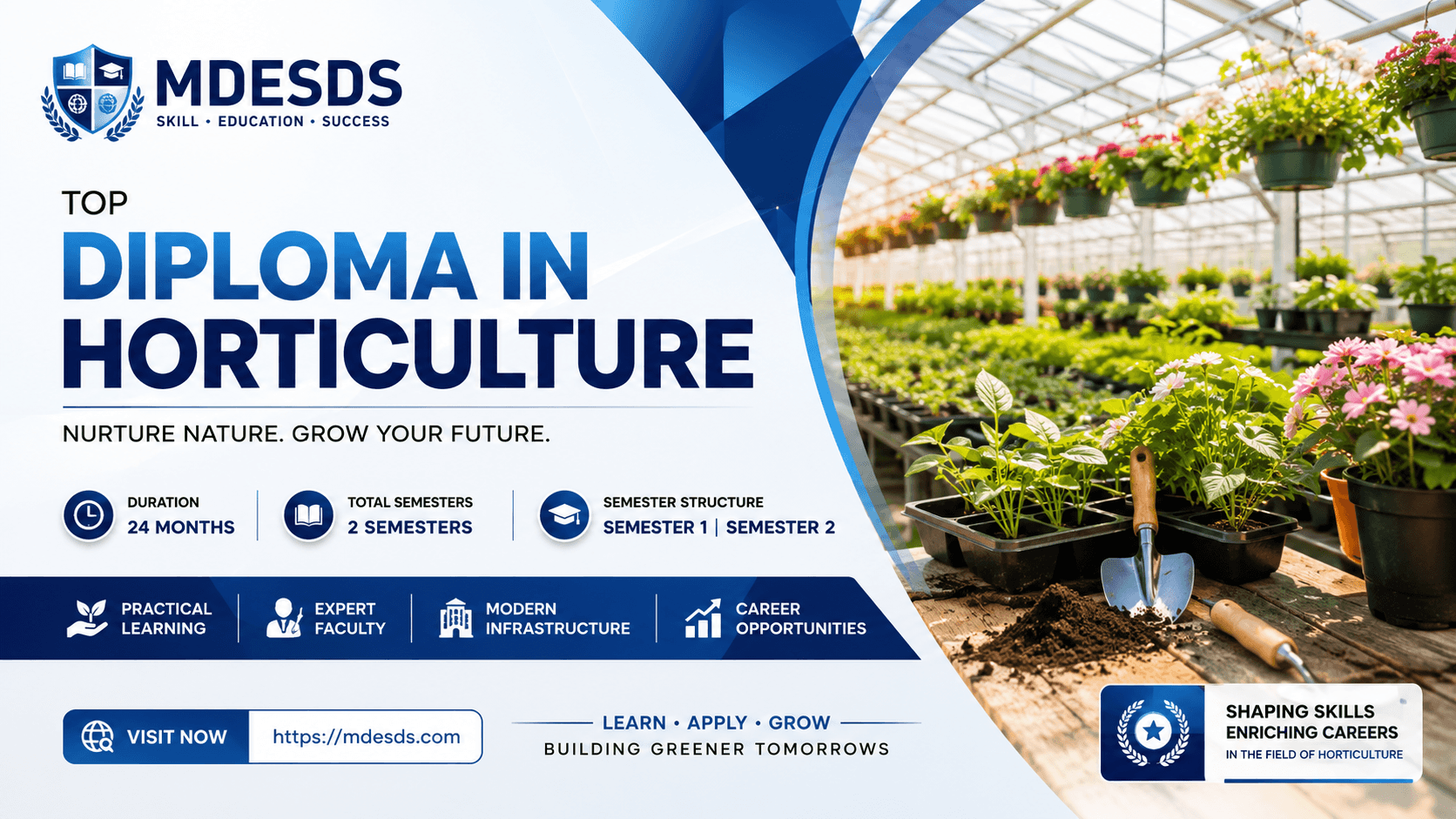
Launch your career with our 24-month hybrid Diploma In Horticulture. Learn plant breeding, nursery tech, and floricultur...

Kickstart your career with our 12-month hybrid Diploma In Civil Engineering. Gain industry-ready skills with MDESDS. Enr...
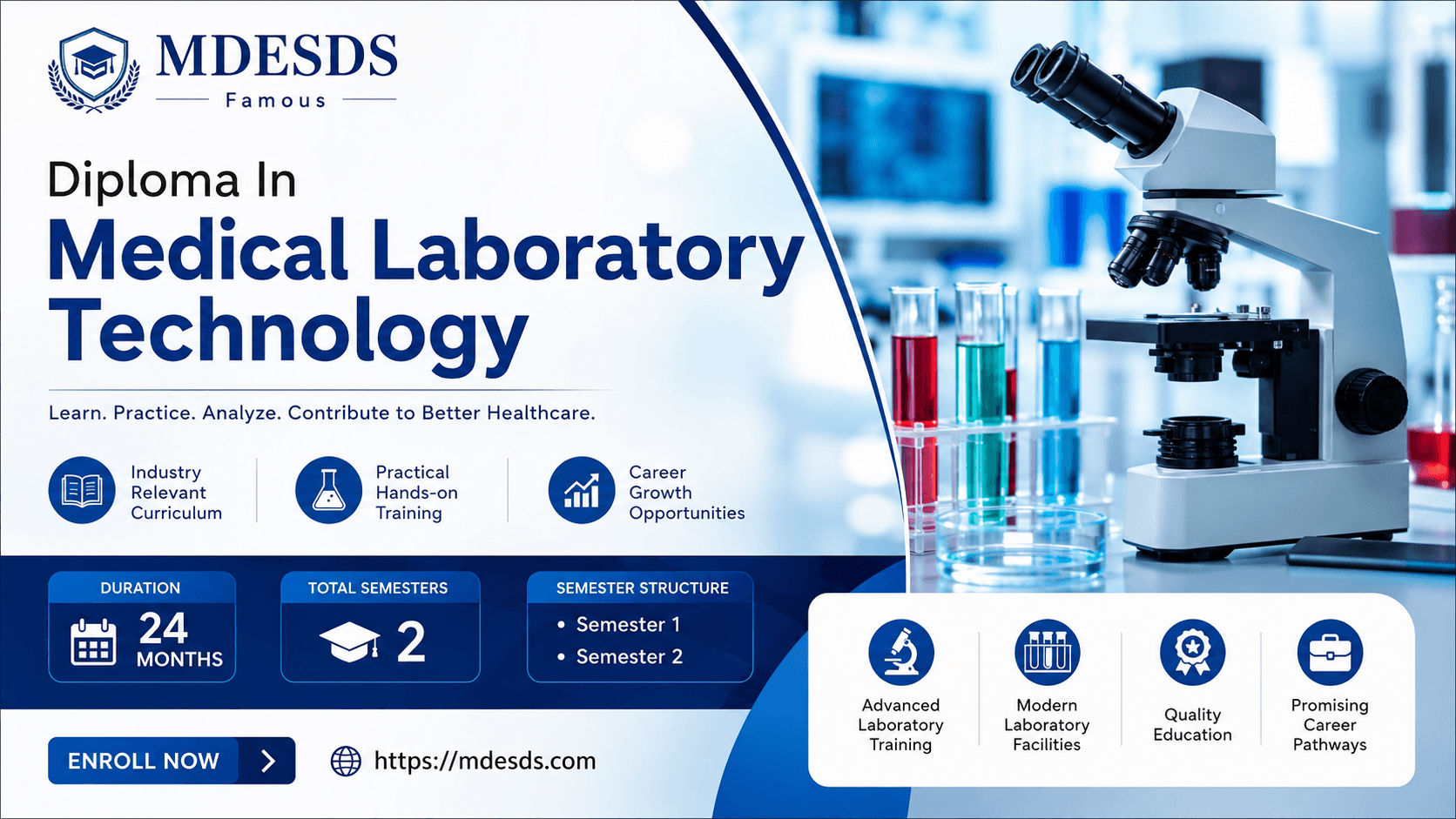
Build a successful career in healthcare with our 24-month hybrid Diploma In Medical Laboratory Technology. Gain hands-on...