Applications are now open for the Academic Session 2026-27.
Open
Applications are now open for the Academic Session 2026-27.
Applications are now open for the Academic Session 2026-27.
Applications are now open for the Academic Session 2026-27.

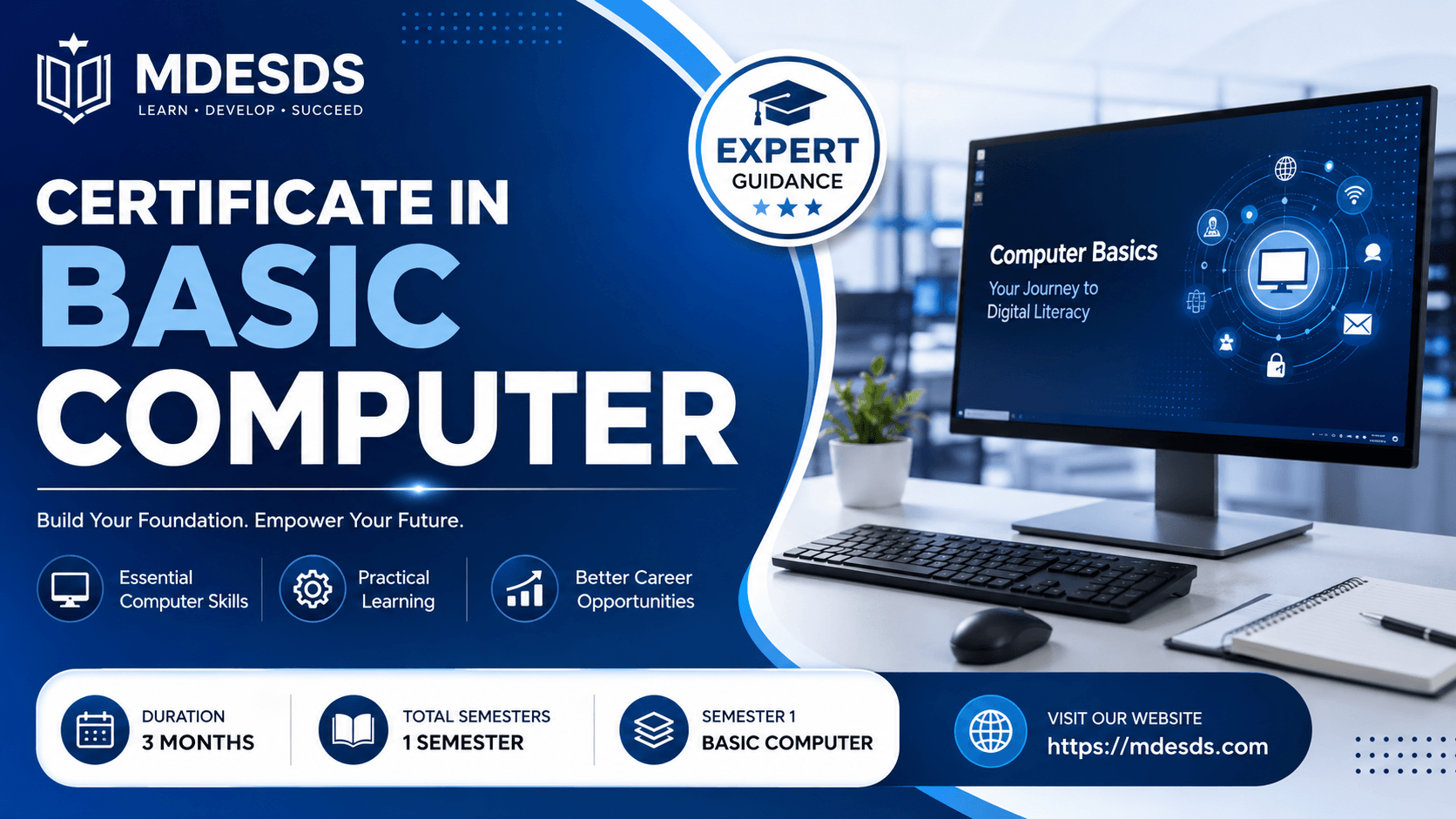
Master essential digital skills with the 3-month Certificate In Basic Computer course by MDESDS. Enroll today to boost your career and productivity.
In today’s fast-paced digital era, computer literacy is no longer a luxury—it is a fundamental survival skill. From managing daily office operations to handling personal finances and communicating globally, everything relies heavily on digital systems. A massive gap exists between those who can navigate a computer confidently and those who struggle with basic digital tasks.
To bridge this gap and empower individuals with essential digital literacy, MDESDS offers a comprehensive Certificate In Basic Computer course. This program is systematically structured to transform beginners into confident, digitally independent individuals. Whether you are looking to enter the corporate workforce, manage a retail business, or simplify your academic life, building a strong foundation in computer operations is your critical first step toward success.
The Certificate In Basic Computer program offered by MDESDS is a foundational training course designed to introduce learners to the core concepts of computing. This 3-month program covers everything from turning on a machine and navigating an operating system to mastering essential office productivity software and using the internet safely.
Administered through a highly flexible hybrid learning mode, the course balances the convenience of online learning with the critical hands-on exposure of offline practice. By blending core principles with practical exercises, students learn not just the "how" but also the "why" behind daily computer workflows. Upon successful completion of this program, students receive an industry-recognized certificate that authenticates their digital competence to prospective employers.
The curriculum for the Certificate In Basic Computer course spans a comprehensive 3-month duration, structured into a single, highly intensive semester. This layout ensures focused, immersive learning without overwhelming the student. Every subject included has been carefully selected to meet current market demands and workplace expectations.
Semester 1 focuses entirely on building absolute familiarity with standard computer systems. Over the 3-month course duration, students transition smoothly from absolute basics to intermediate data management and professional typing speeds.
Here is a detailed breakdown of the subjects, their practical benefits, and the specific skills you will gain:
Before diving into software, it is crucial to understand the machinery itself. This module covers computer architecture, hardware components (like CPU, RAM, and storage devices), input/output devices, and how operating systems handle files and data.
Practical Benefits: Understanding fundamentals prevents common tech-related frustrations. You will know how to troubleshoot basic hardware connectivity issues, manage system storage efficiently, and understand system configurations when purchasing or upgrading a personal computer.
Skills Gained: Hardware identification, file system management, operating system navigation, basic troubleshooting, and data backup procedures.
The internet is the backbone of modern communication and commerce. This subject teaches students how to use web browsers efficiently, utilize search engines for research, manage electronic mail (email) professionally, and practice essential cybersecurity hygiene.
Practical Benefits: Mastering internet access allows you to conduct secure online banking, look up reliable information faster, communicate clearly through professional emails, and identify online scams, phishing attempts, and malware threats.
Skills Gained: Advanced web search techniques, email management and etiquette, cloud storage navigation (like Google Drive), and online security best practices.
Microsoft Office is the global standard for business operations. This extensive module trains students thoroughly in three core applications: MS Word (for documentation), MS Excel (for spreadsheets and data management), and MS PowerPoint (for presentations).
Practical Benefits: You will be able to write professional letters and reports in MS Word, manage budgets, track inventories, calculate data using formulas in MS Excel, and build visually compelling slideshows for meetings in MS PowerPoint. This module alone drastically improves your daily office productivity.
Skills Gained: Document formatting, table creation, spreadsheet formulas (SUM, AVERAGE, IF), data sorting, chart creation, slide animations, and presentation design.
Speed and accuracy in typing are the hallmarks of a skilled computer operator. This subject focuses on touch-typing techniques, teaching students how to type quickly and accurately without looking down at the keyboard.
Practical Benefits: Improving your typing speed saves hundreds of hours over a year of work. It allows you to enter data swiftly, respond to emails instantly, and complete office documentation well ahead of deadlines.
Skills Gained: Correct finger placement (Home Row technique), increased Words Per Minute (WPM) speed, improved typing accuracy, and ergonomic posture awareness.
The Certificate In Basic Computer course is highly inclusive and welcomes learners from all walks of life. Because the learning mode is hybrid, it easily fits into various schedules. This program is highly recommended for:
Students: School and college students who want to type assignments faster, conduct research for projects, and build clean presentations.
Job Seekers: Individuals looking to qualify for data entry, front desk, or administrative assistant roles that strictly require basic computer certificates.
Working Professionals: Professionals in non-technical fields (such as retail, manufacturing, or real estate) who need to digitize their daily workflows.
Homemakers & Senior Citizens: Anyone eager to become digitally independent, enabling them to handle online shopping, pay utility bills, and connect with family via email and social media safely.
One of the best aspects of the Certificate In Basic Computer program is its accessibility. The eligibility criteria are minimal: anyone who has completed their basic secondary schooling (10th grade or equivalent) and has a keen desire to learn can enroll. No prior technical background or programming knowledge is required.
The scope of computer literacy is infinite. We live in an era where almost every government and private sector job demands a fundamental understanding of computers. From checking inventory at a local retail shop to updating patient records at a medical clinic, digital tools are ubiquitous.
Completing this 3-month course opens up a smooth pathway for advanced education. Once you master the fundamentals through this Certificate In Basic Computer program, you can comfortably upskill into specialized fields such as:
Advanced Financial Accounting (Tally & GST)
Graphic Designing (Photoshop, Illustrator)
Web Development and Coding
Digital Marketing and Content Creation
Earning your Certificate In Basic Computer from MDESDS significantly strengthens your resume for entry-level positions across various sectors. Some of the immediate career paths available include:
Data Entry Operator: Managing, verifying, and entering crucial corporate data into spreadsheets and databases.
Office Assistant / Clerk: Handling daily documentation, managing emails, scheduling appointments, and preparing meeting briefs.
Receptionist / Front Desk Executive: Greeting clients, handling digital check-ins, answering inquiries via email, and maintaining administrative records.
Customer Support Representative: Using communication software and databases to resolve client queries efficiently.
Store Inventory Clerk: Tracking stock levels, generating invoices, and managing retail billing systems.
When it comes to building your foundational digital skills, choosing the right institution makes all the difference. MDESDS stands out as a trusted name in vocational and technical education for several key reasons:
Expert Faculty: Our instructors are patient, highly experienced educators who understand how to guide complete beginners without rushing them.
Flexible Hybrid Learning Mode: We understand that you have a busy life. Our hybrid model allows you to study theoretical concepts online at your own pace while attending practical lab sessions to perfect your hands-on skills.
Comprehensive 3-Month Curriculum: Our syllabus balances deep knowledge with a tight timeline, ensuring you learn high-value, employable skills quickly.
Industry-Validated Certification: The certificate awarded by MDESDS is widely recognized, helping you stand out to recruiters and employers during your job search.
Affordable Excellence: We believe that quality education should be accessible to everyone. Our course fees are highly competitive, providing immense value for your investment.
Do not let a lack of computer skills hold back your academic progress or professional growth. Take charge of your career today by mastering the fundamentals with our top-rated program. Join the community of successful graduates who have transformed their lives through MDESDS.
The Certificate In Basic Computer course is designed to provide practical knowledge, professional skills, and industry-relevant training. With a duration of 3, this program helps students develop the expertise required for academic and professional success.
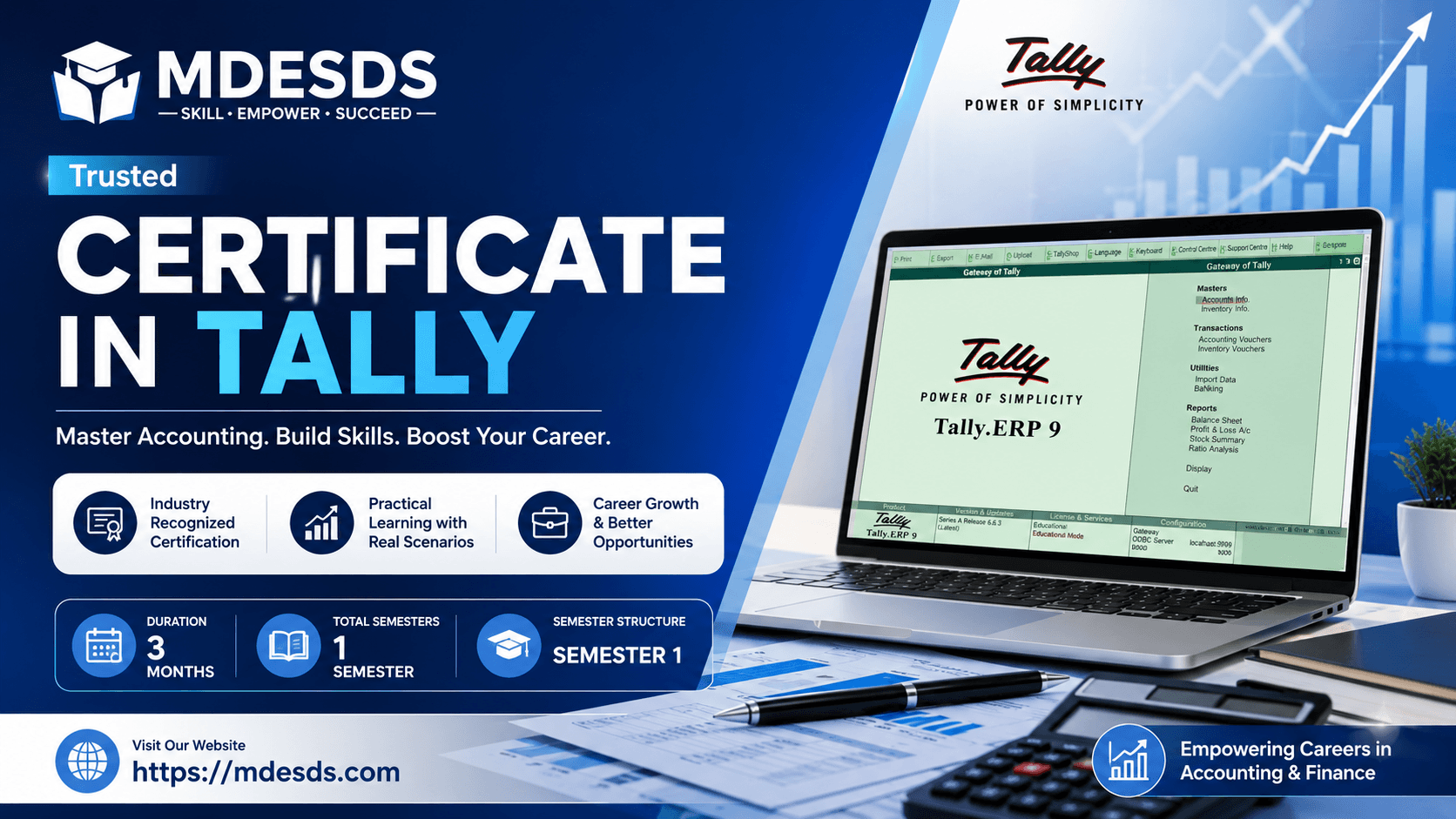
Master accounting with our expert-led Certificate In Tally course. Gain practical skills in taxation, billing, and inven...
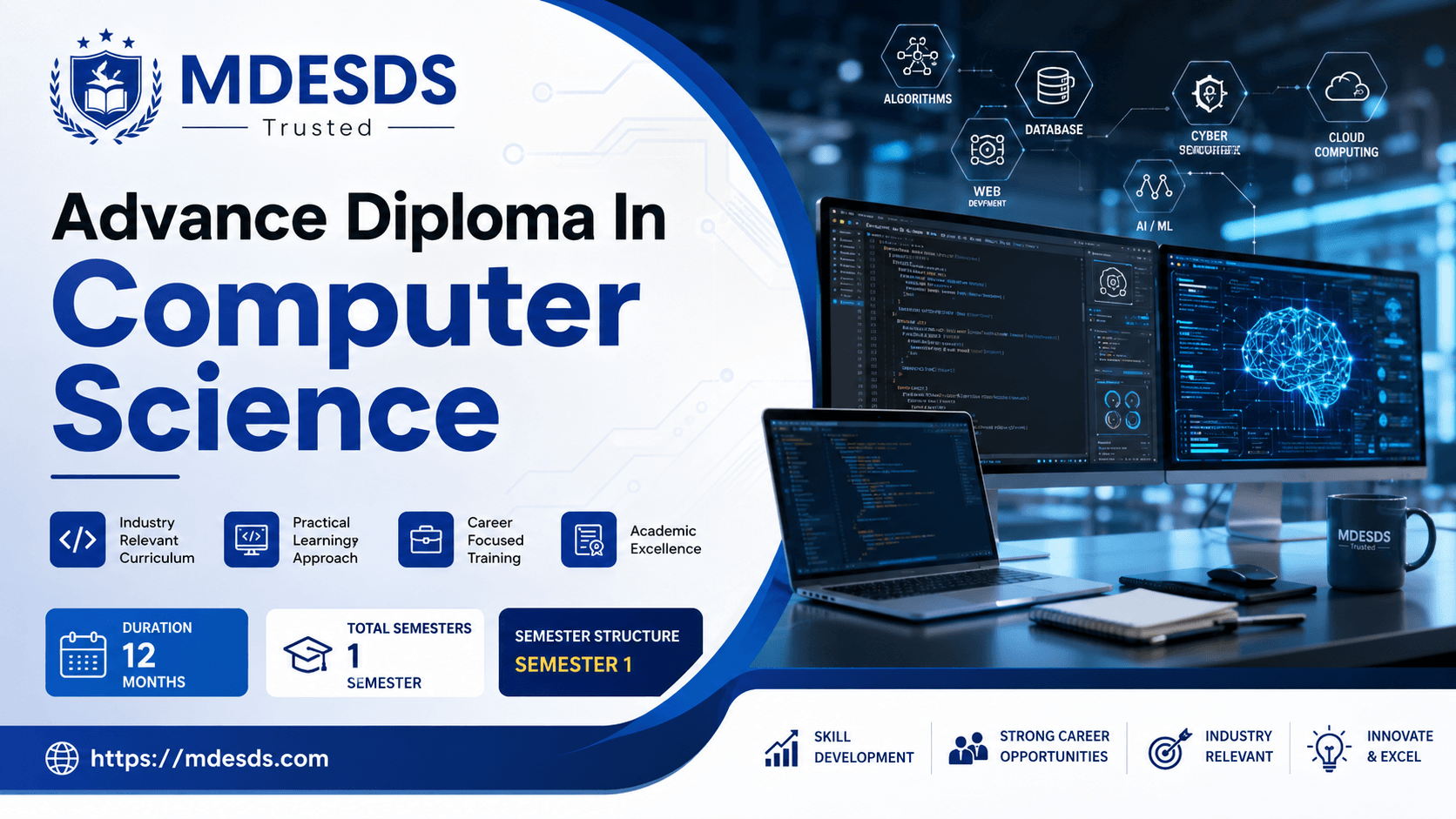
Launch your IT career with the 12-month Advance Diploma In Computer Science at MDESDS. Learn DSA, OS, and office tools t...
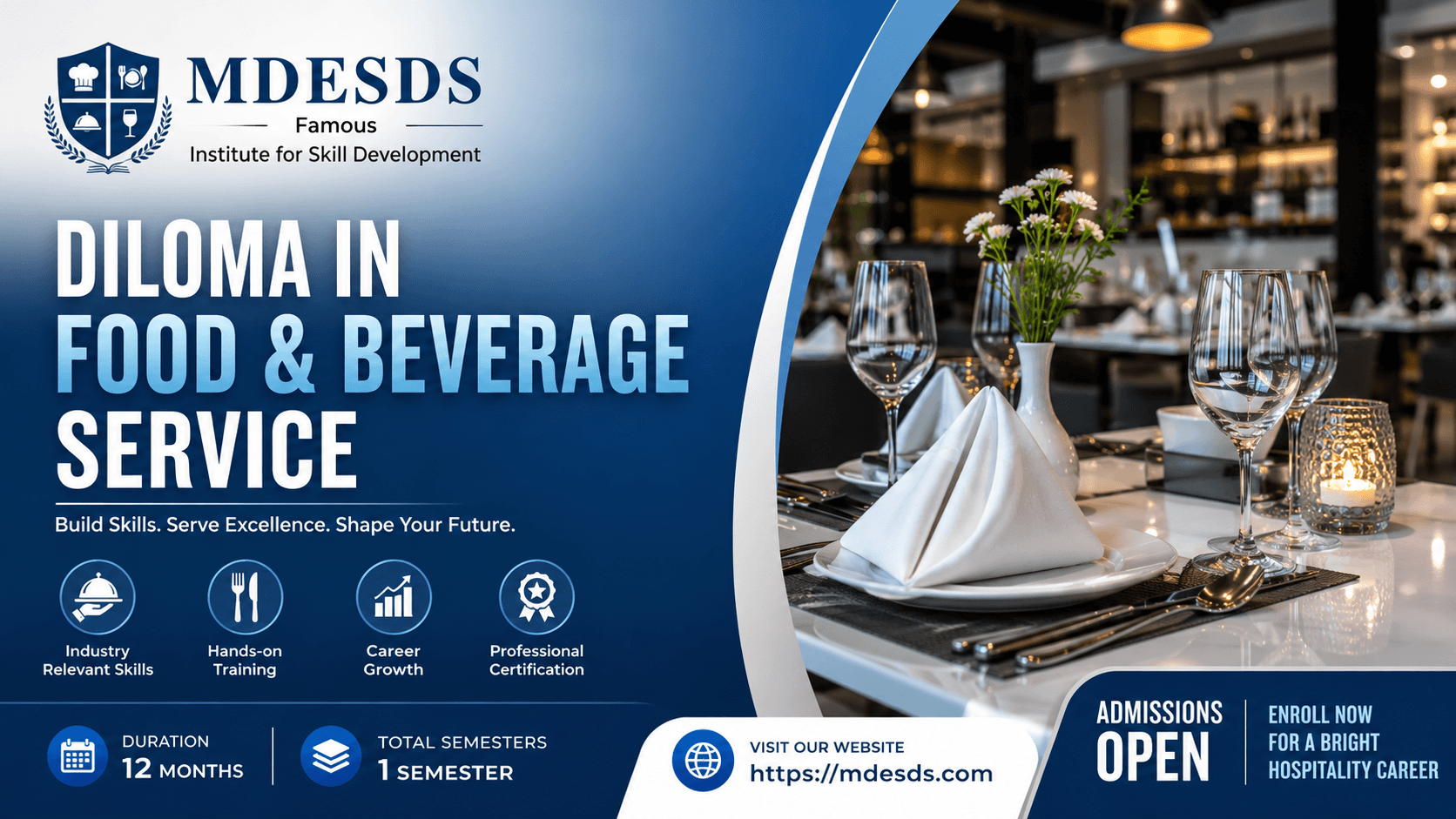
Launch your hospitality career with MDESDS's 12-month Diloma In Food & Beverage Service. Learn core service skills, hygi...